
If a Tutor Withdraws
A Tutor can still withdraw even after being matched, though not once they’ve started a session or submitted a Progress Report for the agreement - at that point they’d need to contact Tutor Support instead. This is the withdrawal that matters most: the group already has sessions on the calendar and no Tutor to run them, so you need to act quickly to find a replacement before sessions begin. You get alerted both by email and in Slack.
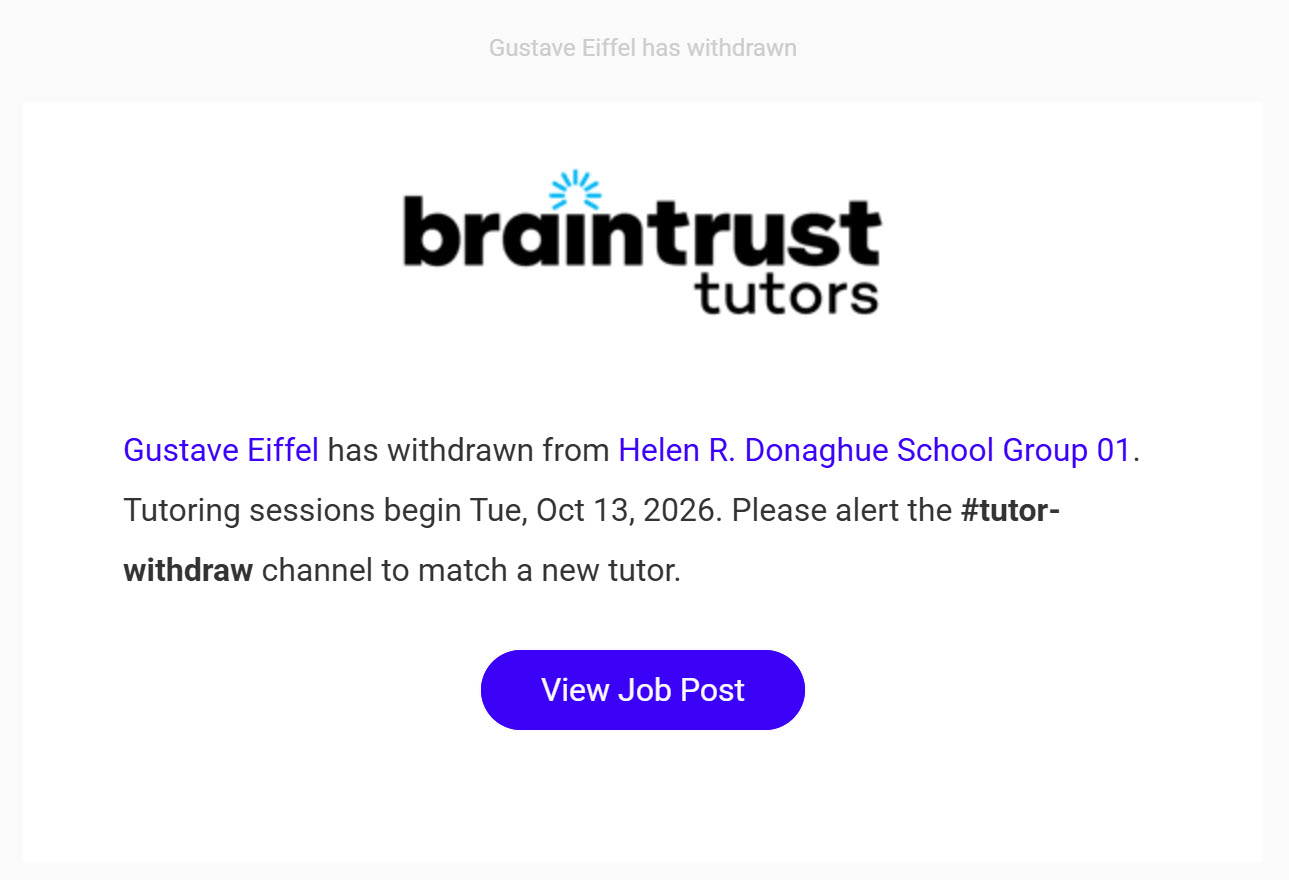
What’s on This Screen
- Withdrawal summary, naming the Tutor and the Group they withdrew from.
- Sessions start date, a reminder of how much time is left before the group needs its new Tutor.
- #tutor-withdraw channel reminder, prompting you to alert that channel so a replacement can be matched.
- View Job Post, a button that goes straight to the Job Post for that Group.
The same alert also posts to Slack, with quick links to everything you need to find and match a replacement.
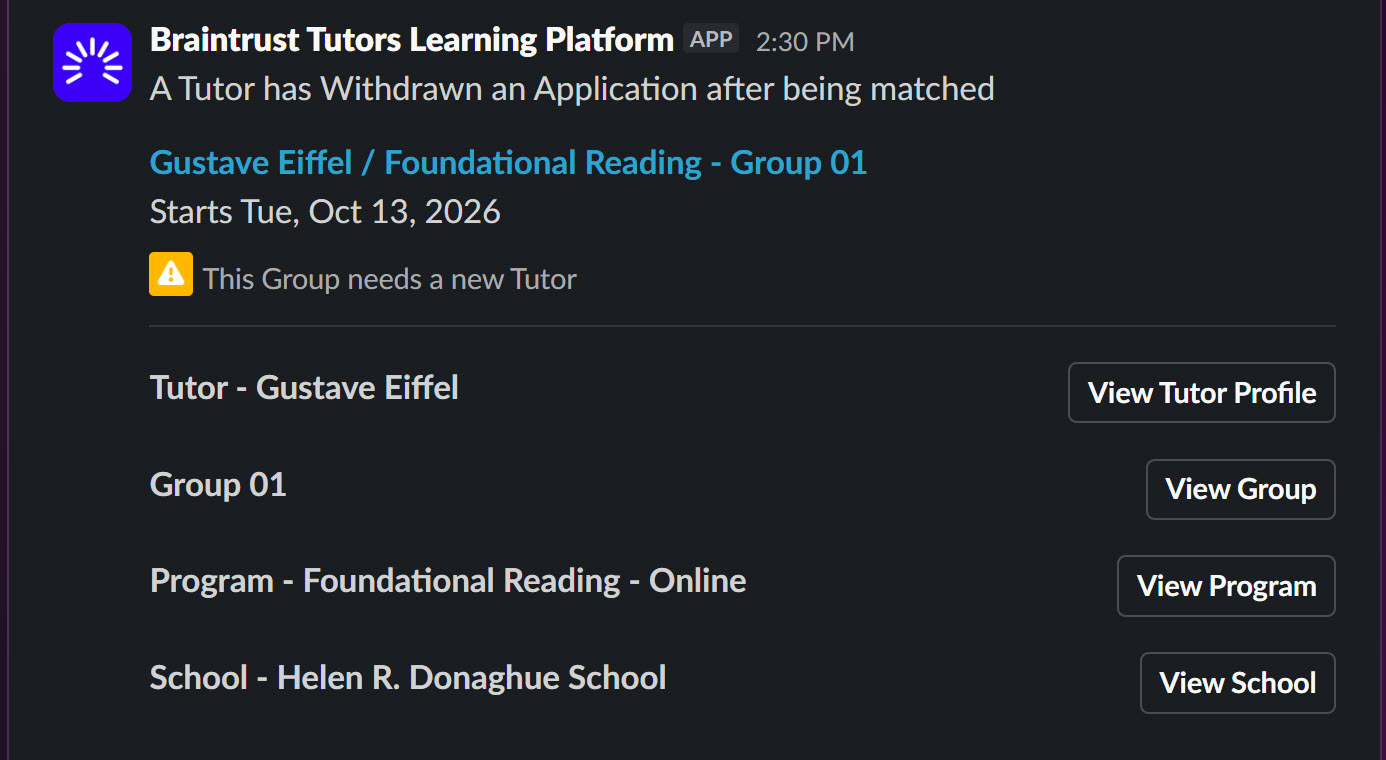
What’s on This Screen
- A Tutor has Withdrawn an Application after being matched, the alert’s headline, confirming this is the post-match case.
- Tutor / Group summary, naming the Tutor, Program, and Group, and when sessions start.
- This Group needs a new Tutor, a warning flagging exactly what needs to happen next.
- View Tutor Profile, View Group, View Program, and View School buttons, for jumping straight to whichever you need to start matching a replacement.
See Matching Tutors to Groups to find and confirm a new match for the group.