
Getting Notified
Each time a Tutor applies, you get a “New Job Posting Application” email letting you know right away.
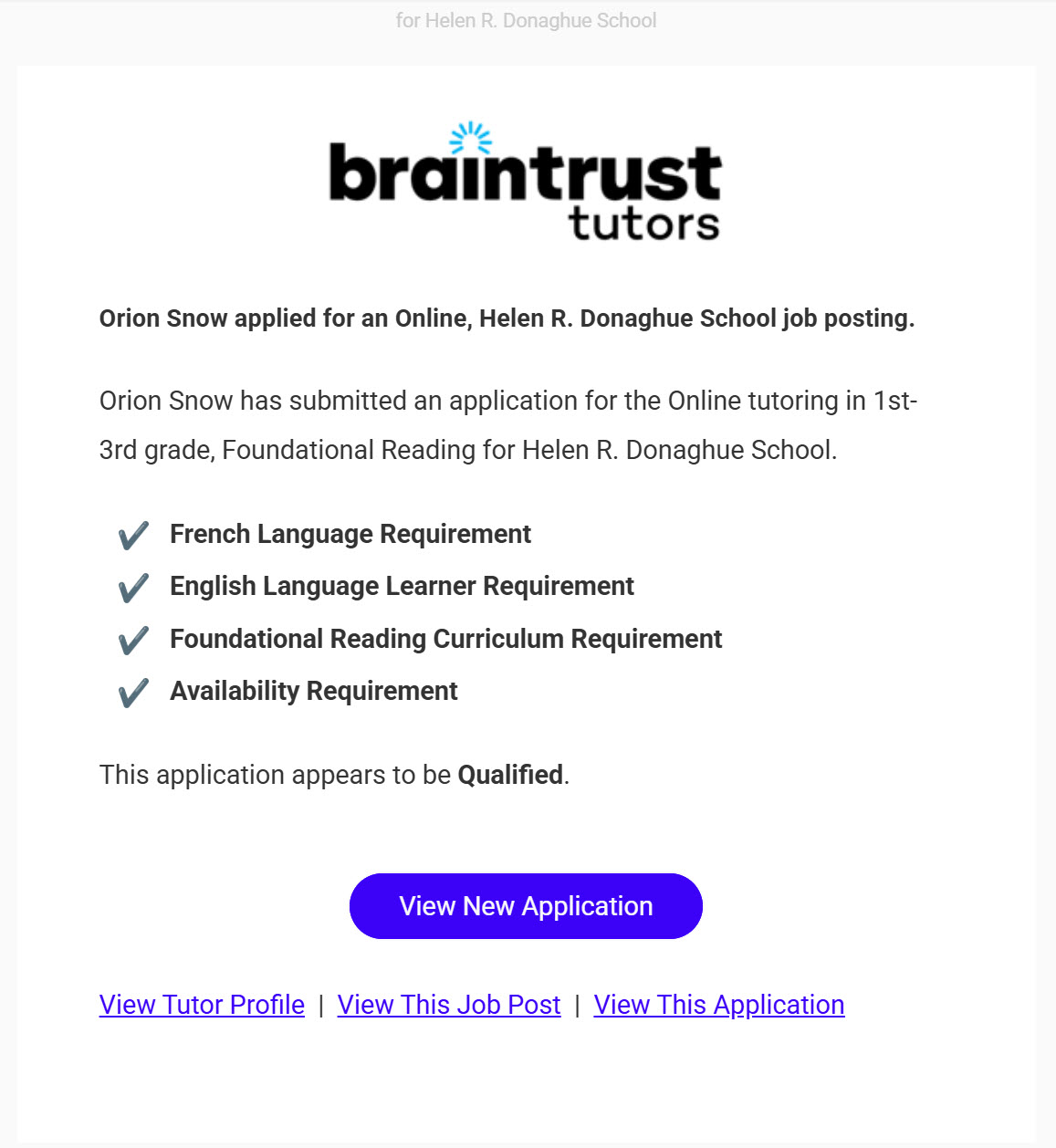
What’s on This Screen
- Applicant summary, naming the Tutor and the Location, School, Grade Range, and Curriculum of the opportunity they applied to.
- Requirements checklist, showing which of the opportunity’s requirements, like Language, Learning Needs, Curriculum, and Availability, the Tutor’s profile meets.
- Qualified assessment, a quick read on whether the application meets every requirement.
- View New Application, a button that goes straight to the application.
- View Tutor Profile, View This Job Post, and View This Application links, for jumping straight to whichever one you need.