
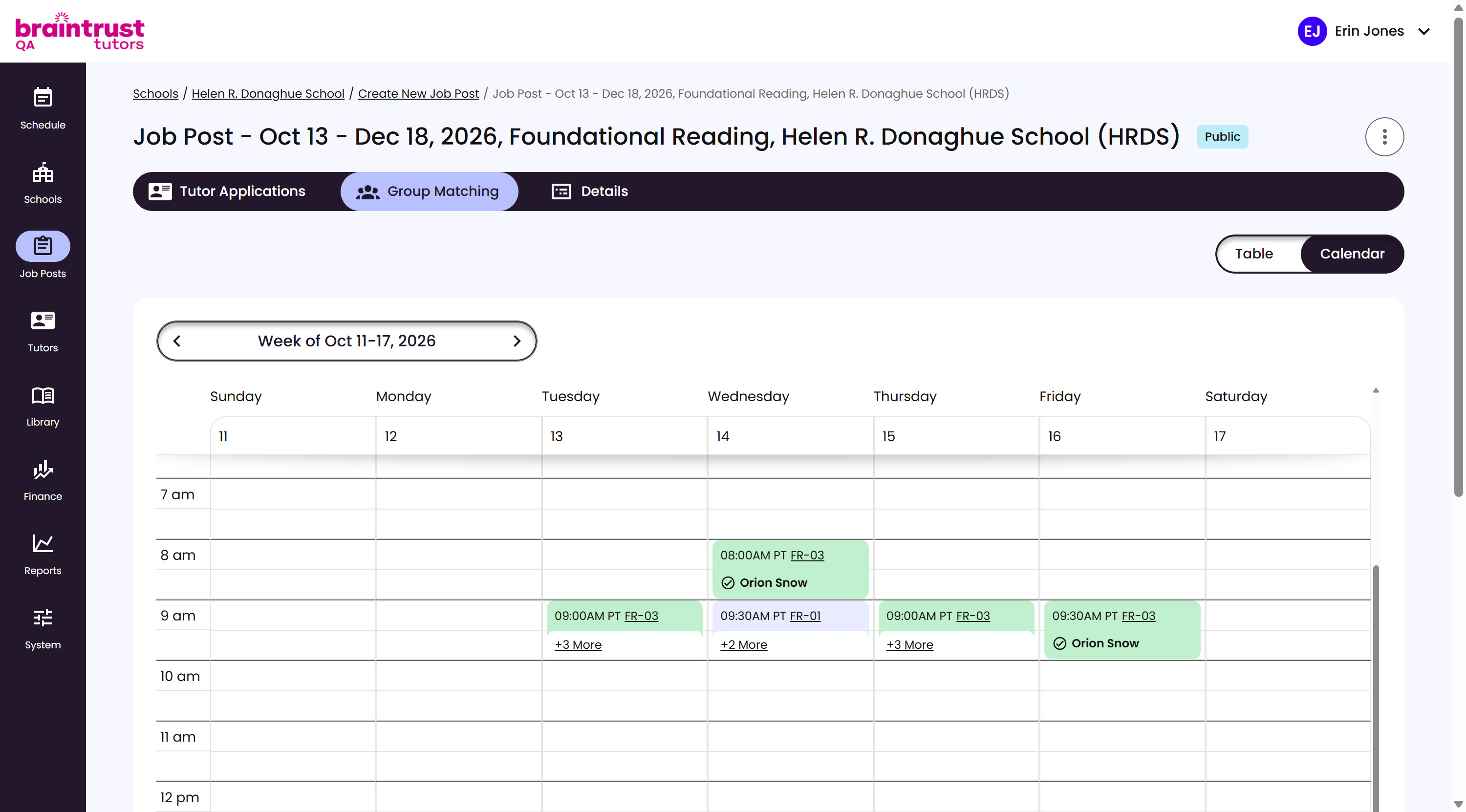
Alongside the table, a calendar view shows the matching week at a glance, with a date switcher to move forward and back through weeks.
What’s on This Screen
- Week switcher, at the top, for moving forward and back a week at a time.
- Days and times grid, one column per day, one row per hour.
- Session blocks, one per scheduled session, linking to its Group. A session with a Confirmed match shows the Tutor’s name with a checkmark; anything else just shows the Group.
- +N More, under a day with more sessions than fit, expanding to show the rest.
There are no filters on the calendar view yet - use the table for that.