
Click a Group’s Match column. If it has a Favorited candidate, you get a quick dropdown of just that candidate for fast selection. Otherwise - or if you want someone other than the Favorited candidate - it opens the Match Tutor modal instead.
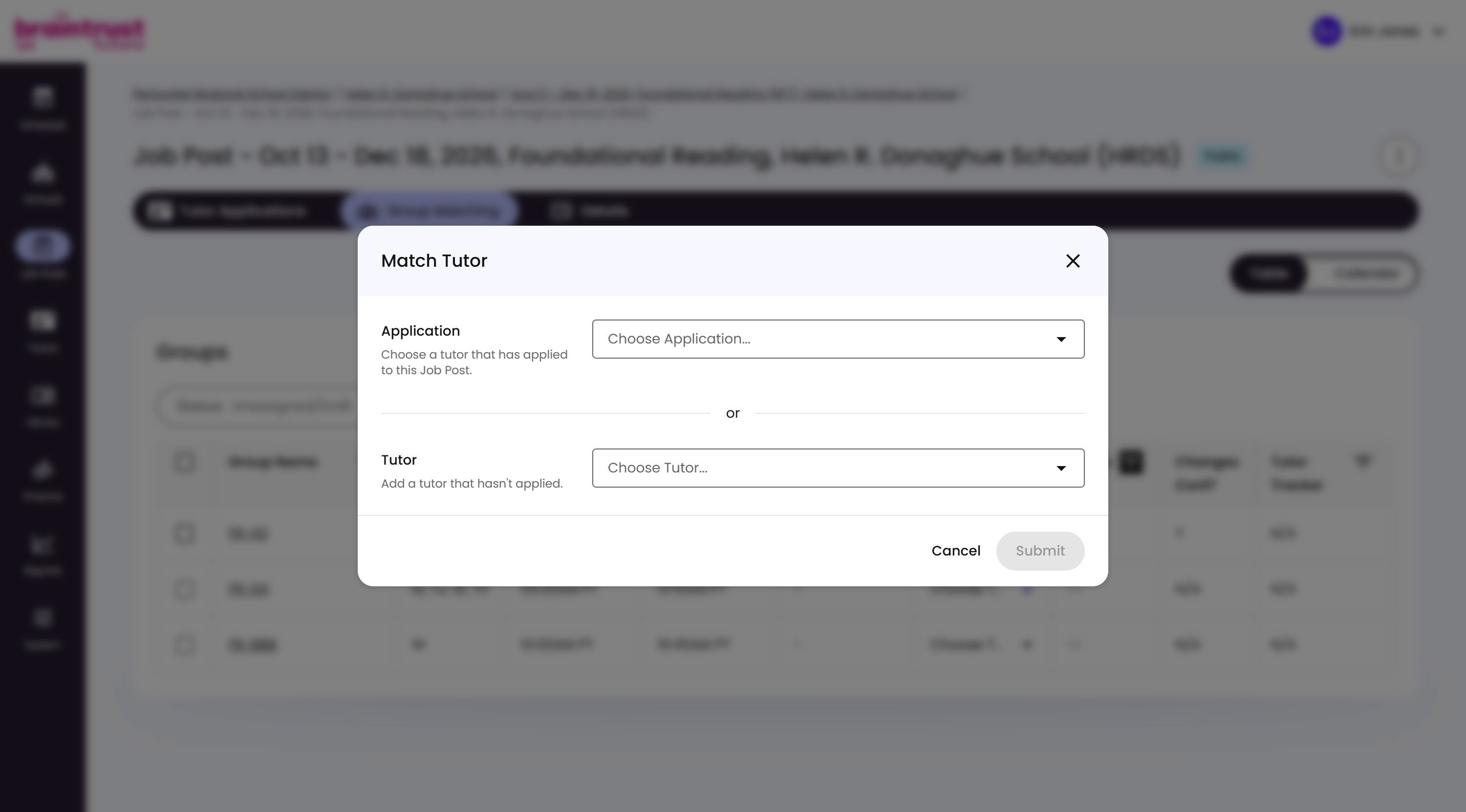
What’s on This Screen
- Application, a dropdown for choosing a Tutor who’s already applied to this Job Post.
- Tutor, a dropdown for assigning any Tutor at all, whether they’ve applied or not.
- Cancel and Submit buttons, to back out or confirm your pick.
Use Application for anyone in your applicant pool. Use Tutor when you already have someone specific in mind from past experience and know they’ll be a good fit - there’s no need to make them apply first.