
Once you’re done recruiting for a Job Post, close it from its options menu on the post’s own page.
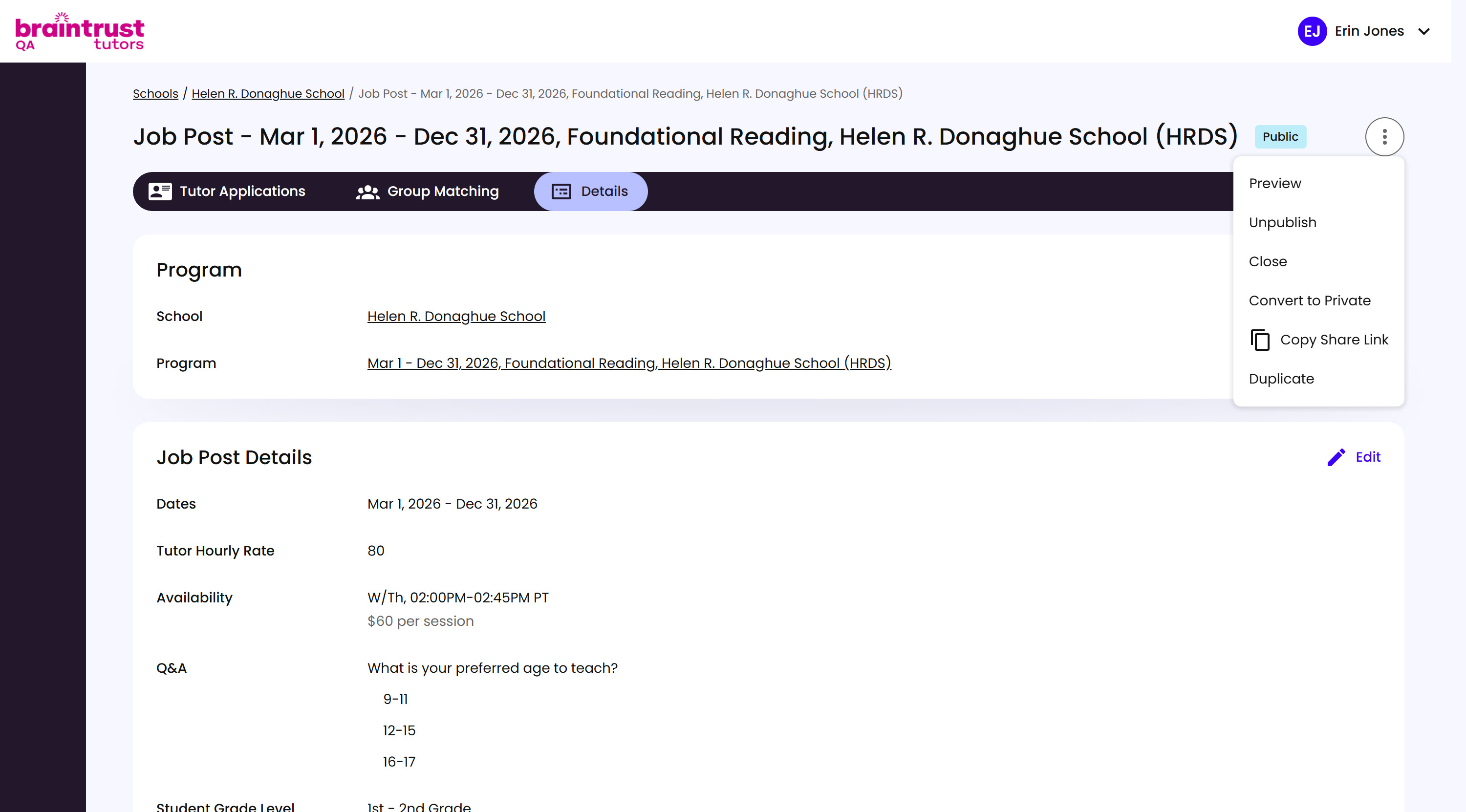
What’s on This Screen
- Public or Private badge, next to the title, showing the post’s current visibility.
- Options menu, the three-dot button, with Preview, Unpublish, Close, Convert to Private, Copy Share Link, and Duplicate.
- Tutor Applications, Group Matching, and Details tabs, for managing everything about this specific posting.
Open the options menu and click Close.
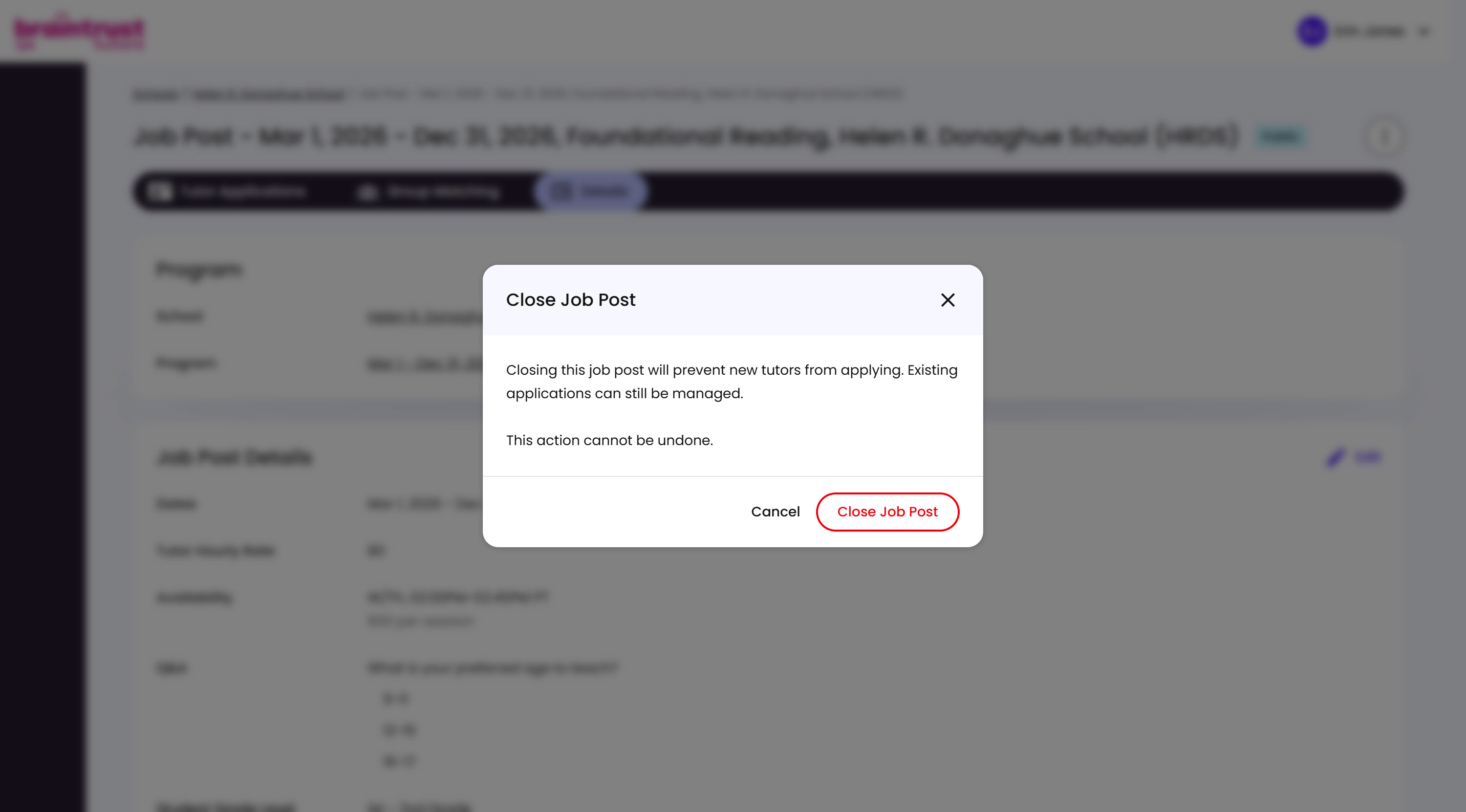
What’s on This Screen
- Warning text, explaining that closing prevents new Tutors from applying, though existing applications can still be managed.
- Cancel and Close Job Post buttons, to back out or confirm.
Read the warning first - closing can’t be undone. Click Close Job Post only once you’re sure you don’t need any more applicants.