
If a similar Job Post already exists, you don’t have to build a new one from scratch. Open the post, click the options menu, and choose Duplicate.
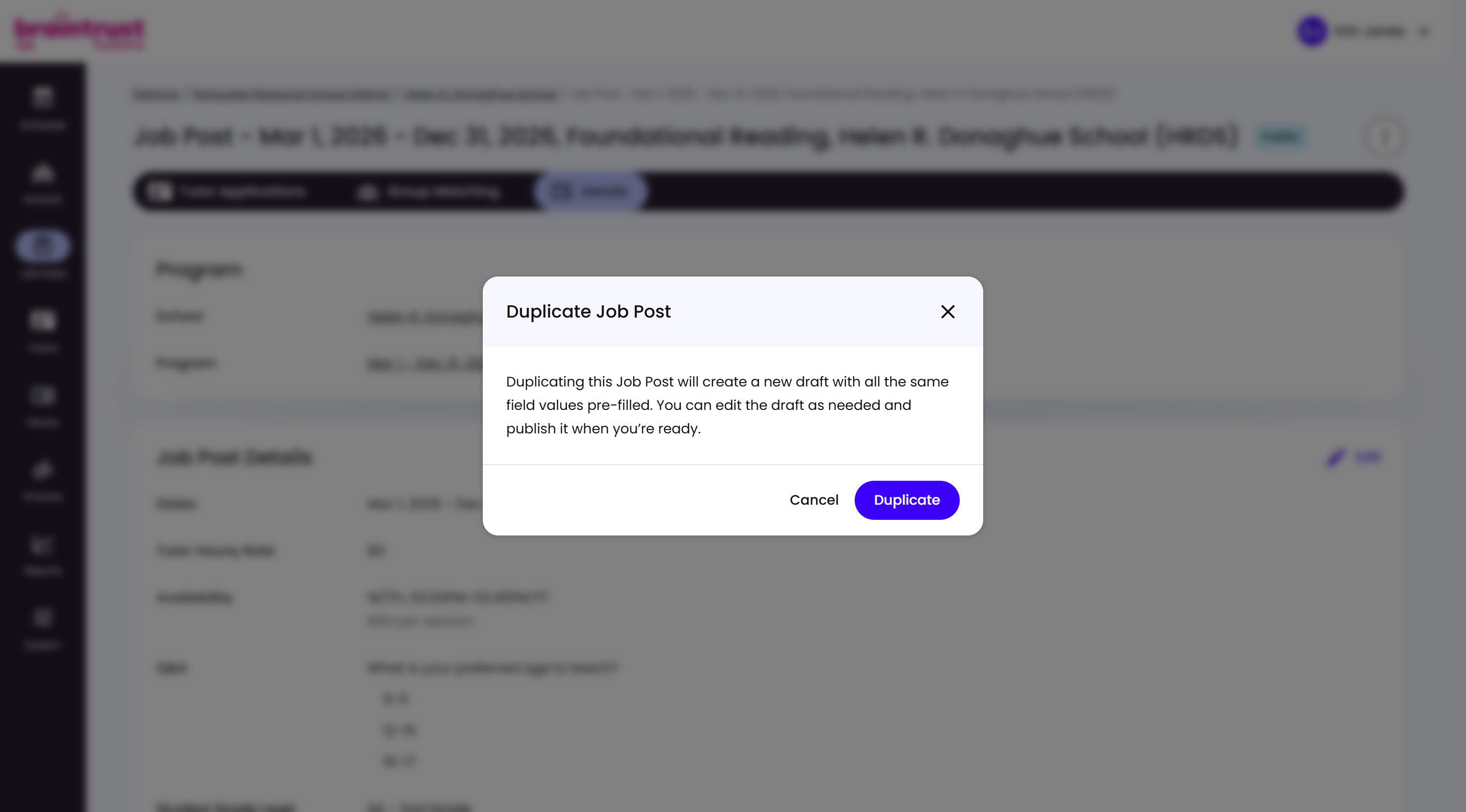
What’s on This Screen
- Explanation text, confirming that duplicating creates a new draft with every field pre-filled from the original.
- Cancel and Duplicate buttons, to back out or confirm.
Click Duplicate, then adjust whatever’s different, like dates or Tutors Needed, and publish it whenever you’re ready.